





 USA
USA

 Contact
 Sales
Sales Support
 Send Request
 Search


 Login
Login



GA800 AC Drive Quick Setup Procedure and ON-SITE Videos for TOEPC71061750
GA800 Drive Quick Setup Procedure and ON-SITE Videos for Large Frames
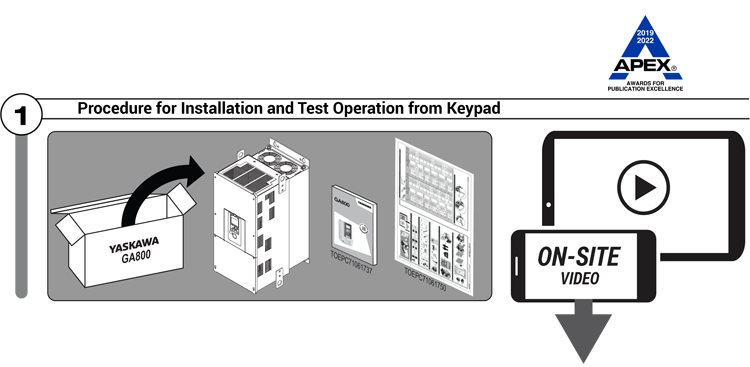
The videos are a companion to the Yaskawa document TOEPC71061750 and TOEPC7106170W packaged with GA800 drive models GA80U2257-2415, GA80U4208-4H12, and GA80U5125 to 5472.
 Playlist Playlist |
Description/Video Title |
|---|---|
| Yaskawa ON-SITE (GA800 Quick Setup 2) Playlist supports specific procedures contained within the GA800 Quick Setup Procedures (No. TOEPC71061750 and TOEPC7106170W). |
Mount, Wire, Energize How to mount, wire the main circuit and motor, and energize the GA800 drive. (No. VP.GA800.06) |
| Set LOCAL/Jog Motor How to spin/jog a motor using the keypad on the GA800 drive. (No. VP.GA800.03) |
|
| Run Motor at Desired Speed from Keypad How to run the motor from the keypad at a desired speed. (No. VP.GA800.01) |
|
| Yaskawa ON-SITE (GA800 How-to...) Additional playlist for all GA800 How-to videos that show how to maintain, program, adjust and use the many features of Yaskawa's GA800 AC Drive. |
GA800: Set the Date & Time on the Drive How to set the date and time on the GA800 drive's keypad. (No. VP.GA800.04) |
| GA800: How to View Modified Parameters How to view the Modified Parameters on a GA800 drive. (No. VP.GA800.02) |
Node: dxpprd01:8080