





 USA
USA

 Contact
 Sales
Sales Support
 Send Request
 Search


 Login
Login



GA501 Compact Ethernet Type Microdrive Quick Setup Procedure Videos
GA501 Drive Quick Setup Procedure and ON-SITE Videos
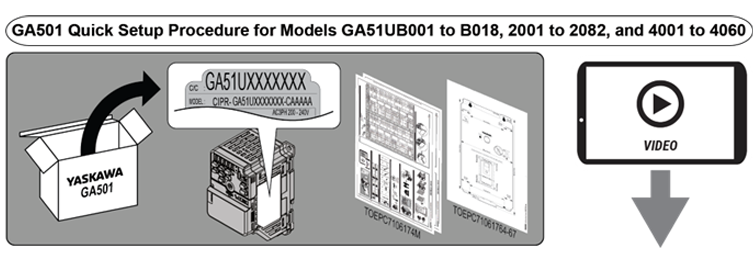
The videos support Yaskawa document TOEPC7106174M. This document is packaged with GA501 drive models GA51UB001 to B018, 2001 to 2082, and 4001 to 4060.
 Playlist Playlist |
Step/Description/Video Title |
|---|---|
| GA501 Quick Setup Procedure Playlist How to install, wire, and set up the drive for test operation with a motor using the drive keypad and the instructions packaged with a GA501 drive. This ON-SITE video playlist is a companion to Quick Setup Procedure document TOEPC7106174M. |
Panel Mounting a GA501 Drive Shows how to mount a GA501 drive to a panel or DIN rail. (No. VP.GA500.05) |
| Wiring a GA501 Drive Shows how to wire main power and a motor to the drive. (No. VP.GA500.06) |
|
| Auto-Tuning a GA501 Drive Shows how to correctly Auto-Tune the drive. (No. VP.GA500.07) |
|
| Running the Motor Shows how to run the motor from the keypad at a desired speed. (No. VP.GA500.08) |
|
| Viewing Modified Parameters Shows how to view the Modified Parameters on the drive keypad. (No. VP.GA500.02) |
Node: dxpprd02:8080